How to Prepare Logo Artwork for Custom Caps: Files, Size & Placement
Prepare custom cap artwork with clear logo files, finished dimensions, placement and color references. Use a buyer checklist before sampling.
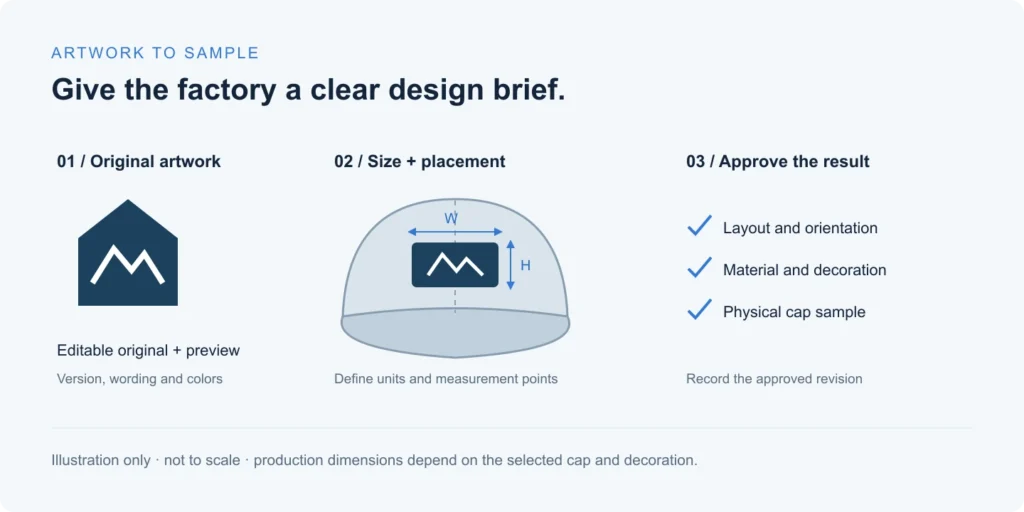
To prepare logo artwork for custom caps, send the clearest editable original you have, a visual reference, the finished logo dimensions, its placement, color references and the intended cap construction. Identify whether you want embroidery, a patch or another decoration. A file extension or screen mockup alone does not establish production readiness: the supplier still needs to review the artwork on the selected cap and agree what the sample must confirm.
This guide is for brands and sourcing teams preparing artwork for quotation and sample development. It focuses on the information to hand over, rather than a universal embroidery size or a software tutorial. If you are still deciding between raised and flat stitching, start with the 3D vs flat embroidery guide.
Send an editable original and a visual reference
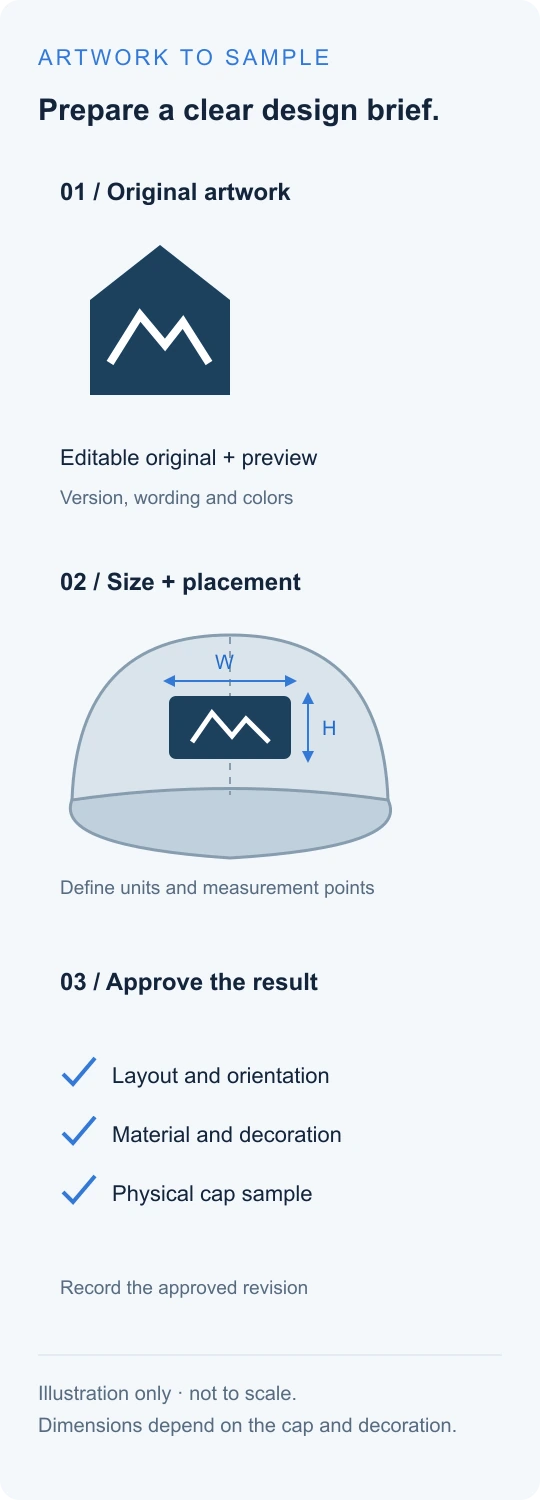
Keep the original design file and supply a separate preview that shows how the logo should look. Editable artwork helps a designer inspect shapes and make agreed changes; the preview helps avoid confusion about missing fonts, hidden layers, backgrounds or color variants. Use a clear revision name so an older attachment cannot be mistaken for the current design.
| File or reference | What it helps communicate | What to check |
|---|---|---|
| Vector artwork, such as AI, EPS or SVG | Scalable shapes and editable design elements | Confirm it contains actual paths, rather than only an embedded low-resolution image. |
| A layout, design specification or vector artwork | A PDF can contain vectors, raster images or both; inspect the contents. | |
| PNG or JPG | A visual reference or starting image when the original is unavailable | Send the highest-quality original available. Enlarging a blurry image does not restore missing detail. |
| Embroidery design or machine stitch file | An existing stitch plan, if you have permission to use it | Identify its original cap, fabric, size and decoration method. Reuse needs compatibility review. |
| Cap mockup or reference photograph | Intended appearance and position | Include written dimensions; perspective and screen scale can mislead. |
Renaming logo.jpg to logo.ai, or placing a JPG inside an AI file, does not turn its pixels into editable vector shapes. Ask the supplier which files can be reviewed and which require a redraw. Accepted formats, file preparation and any charges should be confirmed for the project.
Where text must retain an exact appearance, provide a preview and an outlined-text copy where appropriate, while keeping your editable master. Do not send font files unless you are entitled to share them. Gold Headwear’s own template guidance illustrates why physical scale, placement and outlined artwork belong in the handoff; its file policy is specific to that supplier.
Specify logo dimensions separately from placement
Write the finished logo width and height in millimeters or inches, then identify the location on the cap. “Large on the front” describes an intention, but it does not tell the sample team how to reproduce it. A useful placement drawing names the cap style, shows the relevant view and identifies the points from which the position is measured.
- Artwork size: label the outer bounds of the visible logo, and state whether a patch border is included.
- Position: identify front, wearer’s left, wearer’s right or rear; clarify whose viewpoint is used.
- Reference points: agree whether measurements start from a seam, panel edge or another defined feature.
- Construction: name the chosen crown, fabric and closure; note any lining or flap that may affect access.
- Acceptance: agree the placement tolerance and approval method with the supplier.
Do not infer the usable decoration area from a flat rectangle. A center seam, curved crown, narrow side panel or rear opening can affect the design. The same artwork may need a different size or position on a five-panel cap, a six-panel cap and a cuffed beanie. Use the Shape & Fit Guide and design templates to communicate the intended starting point, then confirm the actual area for the selected style.
Flag small details and approve colors on materials
Review the smallest letters, narrow gaps, fine outlines and gradients at the intended physical size. Enlarged screen artwork can hide problems that become apparent on a cap. Mark which details are essential to the brand and which may be simplified; request an alternative proposal before the design is changed.
There is no single minimum letter height or line width that this guide can promise for every fabric and technique. Embroidery, woven patches and printed decorations have different constraints. Printful’s embroidery guidance also separates artwork preparation from digitization and directs users to product-specific templates. Its numerical limits and commercial terms are not MasterCap specifications.
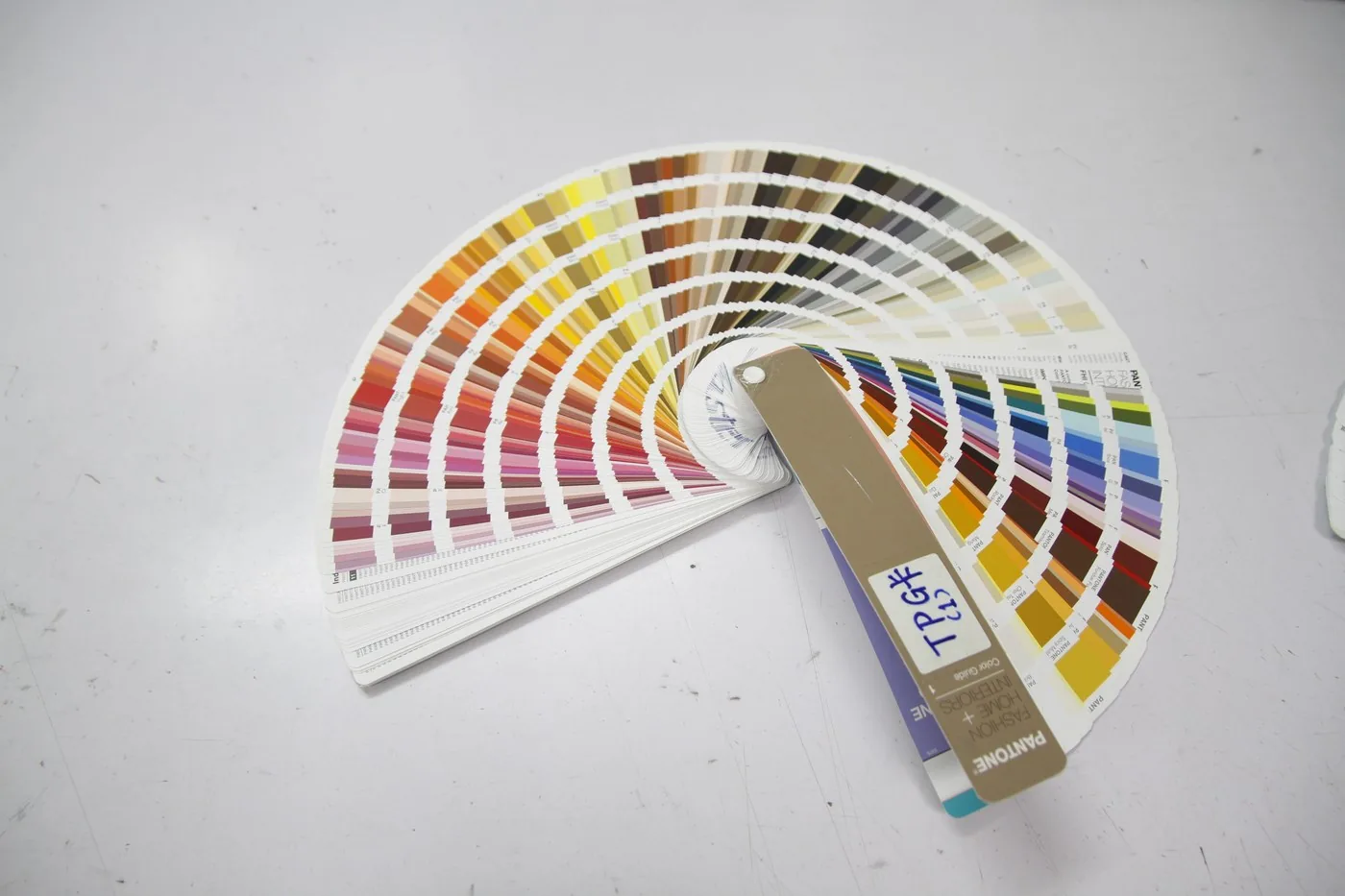
Supply your brand color references, but identify what each reference describes: fabric, thread, patch or printed artwork. A screen color is a communication aid, not approval of a physical thread or fabric. Ask to review the proposed material or decoration sample, and record which color reference governs the order. Texture, sheen, lighting and the selected process can change the appearance.
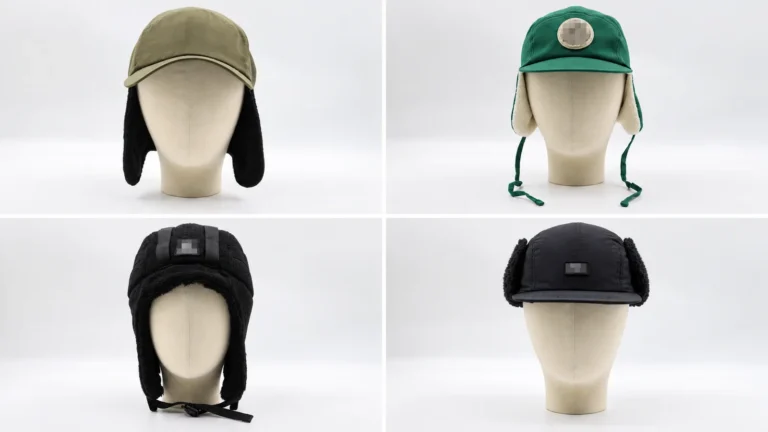
For a winter cap with ear flaps, show the logo with the flaps in the intended wearing position. For a beanie, state the cuff arrangement and review it on the sample. These details connect the artwork to the finished product rather than leaving it as an isolated graphic.
Keep artwork, mockup, stitch file and sample approval distinct
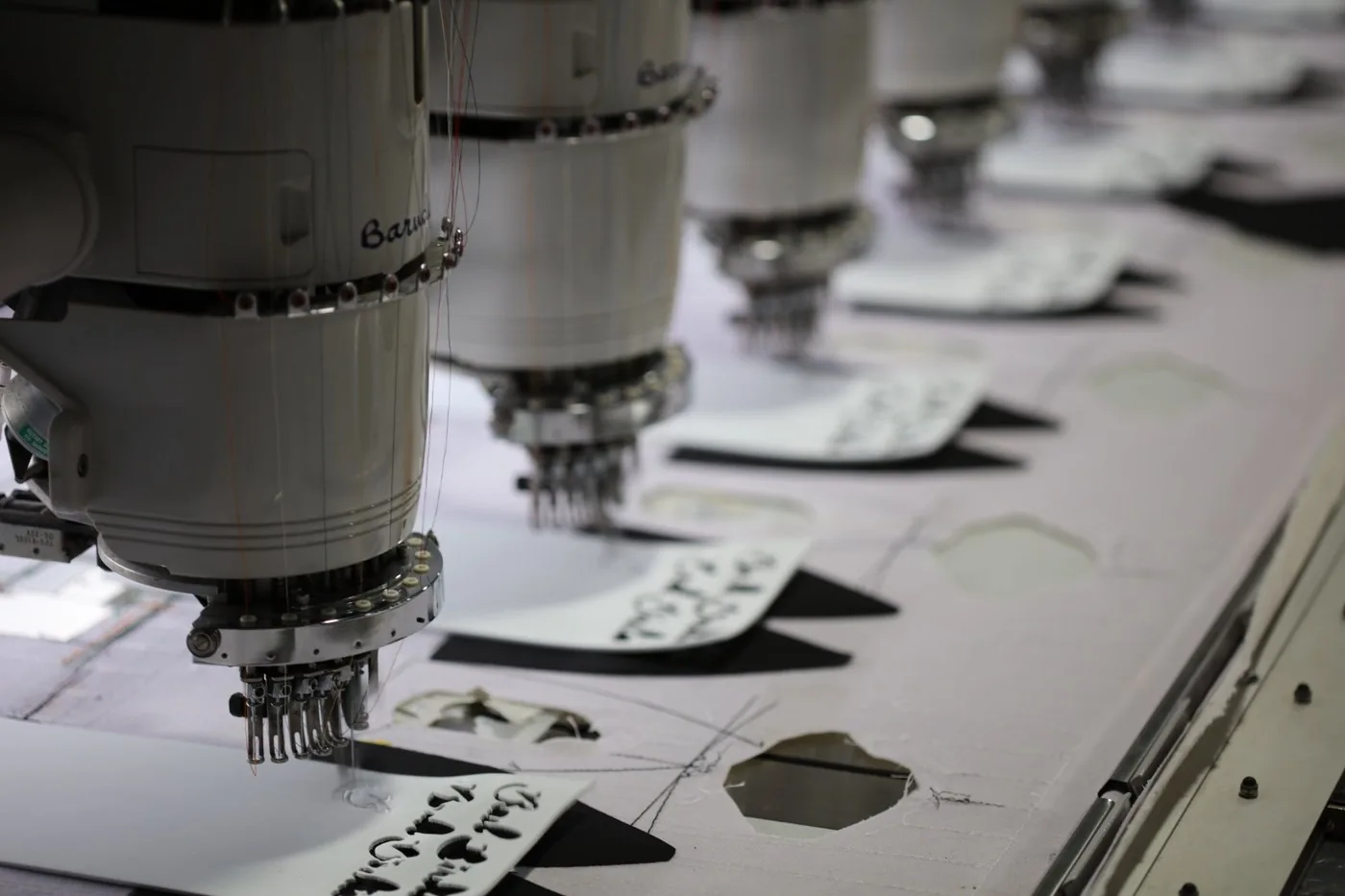
Digitizing means preparing embroidery instructions from the design. It is a different task from supplying a vector logo. Wilcom’s embroidery software documentation distinguishes vector or bitmap artwork, embroidery designs and machine stitch output. Buyers do not need to create that output themselves unless the project requires it; they do need to approve the intended result.
| Review item | What to confirm | What remains to be checked |
|---|---|---|
| Artwork | Correct mark, wording, revision and permitted changes | Execution on the selected material |
| Mockup or placement drawing | Dimensions, location, orientation and color direction | Physical texture, shape and stitching |
| Decoration test, where agreed | Detail, color and execution on the test material | Behavior on the assembled cap if it differs |
| Finished-cap sample | Appearance, position, inside finish and interaction with the crown | Bulk consistency against the agreed specification |
Record the approved artwork revision and sample reference together. If the cap, fabric, decoration size or technique changes, ask which approvals need repeating. Confirm the scope, ownership and permitted reuse of any supplied or commissioned embroidery file in writing. For the wider order calendar, see the MOQ, sampling and lead-time planning guide.

A buyer’s artwork handoff checklist
- Clear style name or reference, intended wearer and cap construction.
- Editable original if available, plus a matching visual preview.
- Artwork revision and confirmation that you may use the design.
- Finished width, height and units for each decoration.
- Position drawing with named measurement points and viewpoint.
- Color references separated by fabric, thread and other components.
- Preferred technique, essential details and permitted simplifications.
- Quantity, colorways, requested timing and approval contact.
- Written confirmation of file preparation, sample scope and any charges.
Ready to review your cap artwork? Send your logo reference, cap style, intended size and placement to MasterCap and ask the team to review the proposed decoration before sampling. If you do not have an editable original, explain what files you have so the next preparation step can be discussed. For a complete quotation package, use the custom cap RFQ guide.
Frequently asked questions
Can I start with only a PNG or JPG logo?
You can use it to communicate the design, but the supplier should check its clarity at the intended size and explain whether a redraw or other preparation is needed. A transparent background alone does not make a file production-ready.
Do I need to supply a DST embroidery file?
Ask what the supplier needs. A DST file is machine stitch data, not the same as an editable logo. If you already have one, provide its size, original application and use permissions; compatibility still needs review.
What is the best logo size for a custom cap?
There is no universal size. Start with the artwork proportions, cap construction, placement and decoration method, then agree dimensions and review them on a sample.
Does approving a digital mockup approve the finished embroidery?
A mockup can confirm the intended layout, but it does not establish physical thread texture, coverage or crown response. Agree which physical checks and sample approvals are required before bulk production.
Editorial owner: MasterCap Editorial Team. External technical references reviewed October 26, 2026. Supplier-specific file rules are cited for context; the agreed specification and approved sample govern the actual order.
Custom Headwear Support
Need help building your next cap collection?
Talk with MasterCap about OEM caps, sample development, materials, decoration options and production planning for your brand.